
Featured content widget
These are similar to Content Widgets but have additional fields for an image/video and a URL. The image/video can be placed to the right or left of the text in a column, and will be shown in a box with an aspect ratio of 2:1 or 1:1 (depending on your selection of a square or rectangular image). The URL is used to link the image to content on your site, and link from text placed at the end of the content.
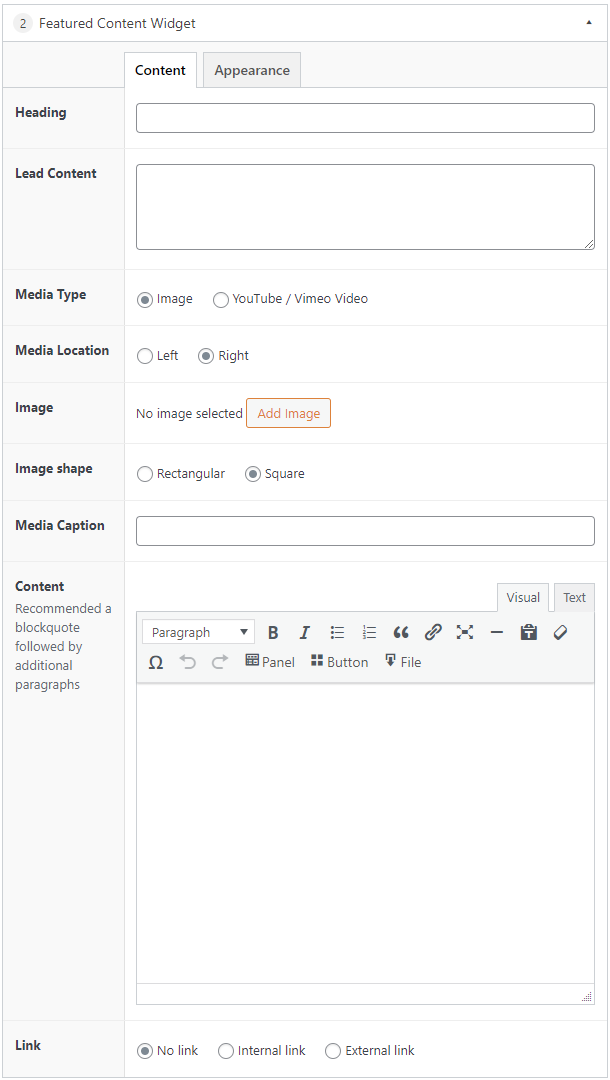
Featured content example
Using a rectangular right-aligned image with a caption and utilising the link option.